10 Reasons QR Codes Do Not Get Scanned
Bad scan rates are usually a packaging, placement, or clarity problem, not a QR problem. Use this checklist to fix the common blockers fast.
1. There is no clear call to action
If people only see a square pattern, many will ignore it.
Fix: Add one action-focused line near the code, such as "Scan to view today's menu" or "Scan for 20% off".
 Point 1: users need a reason to scan, not just a QR symbol.
2. The QR code is too small for the scan distance
Code size must match how far users stand from it.
Fix: Use the practical rule of thumb: minimum size is scan distance divided by 10. Example: at 2 meters, target at least 20 cm code width.
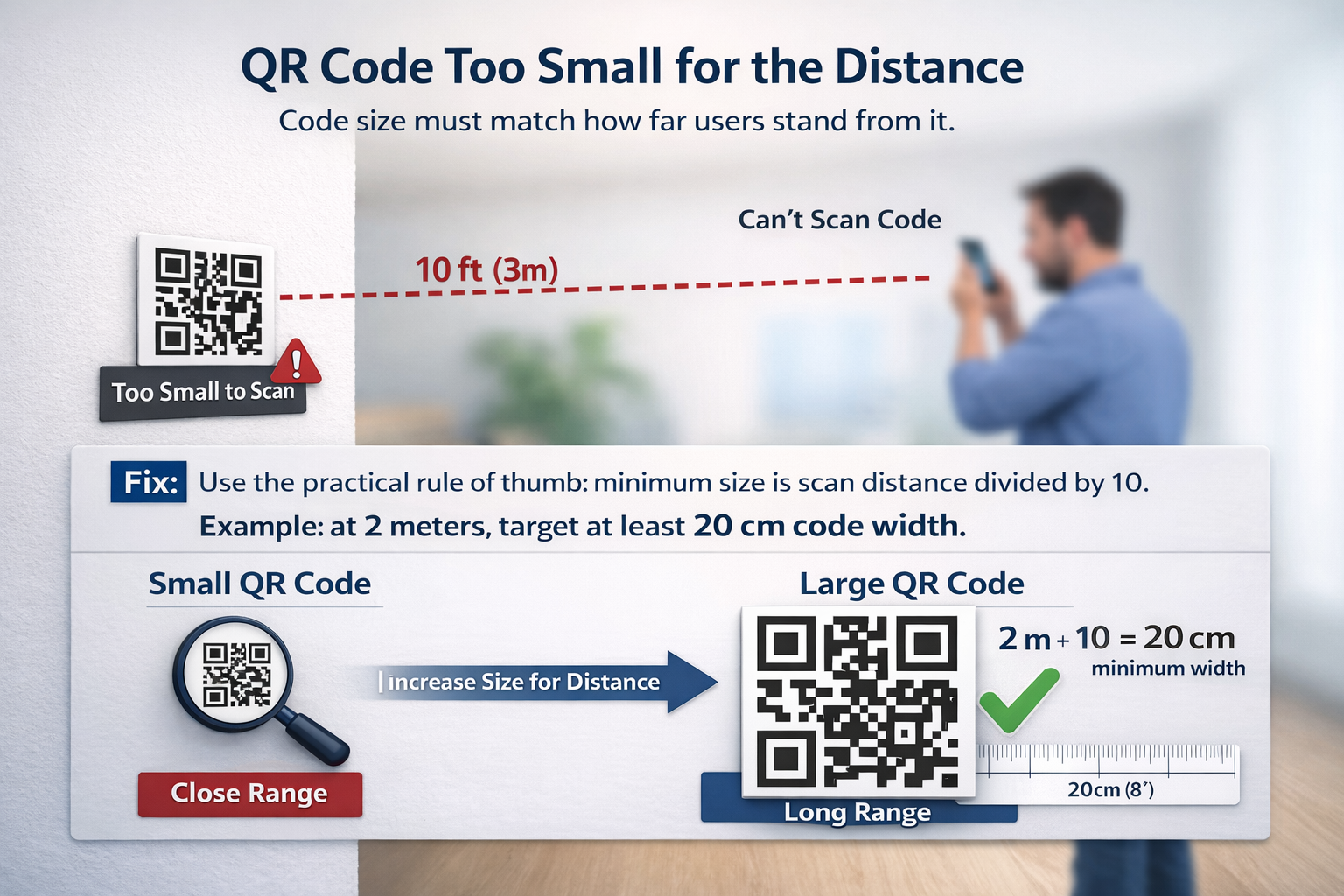 Point 2: scan distance and print size need to match.
3. Contrast is weak
Pastel-on-pastel designs may look premium but fail in camera autofocus.
Fix: Keep strong contrast, preferably dark modules on a light background. Test in daylight and low-light conditions.
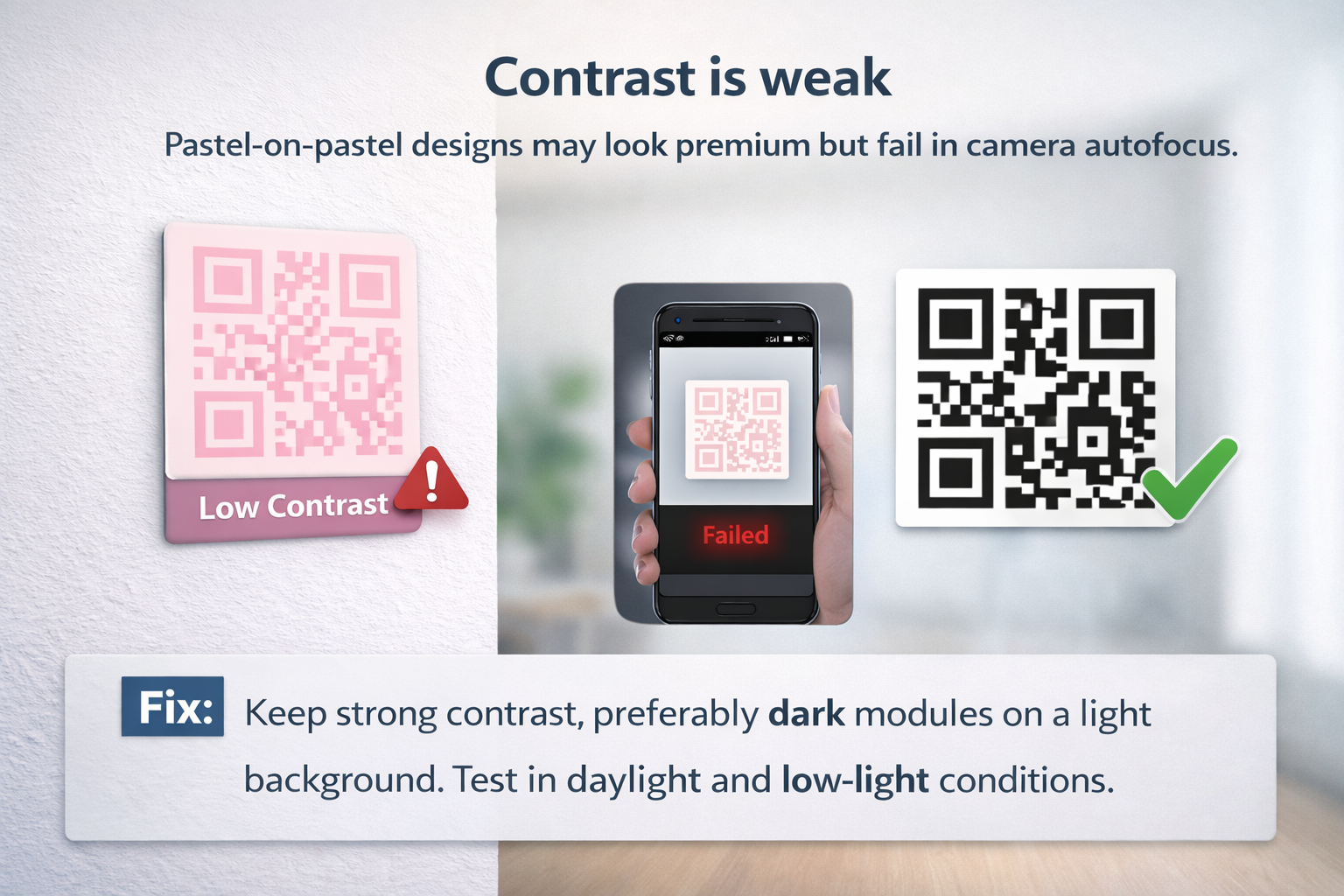 Point 3: low contrast hurts scan reliability fast.
4. Quiet zone is missing
Scanners need a clean margin around the code to detect boundaries.
Fix: Leave a blank border around all sides. Do not place text, icons, or borders too close to the modules.
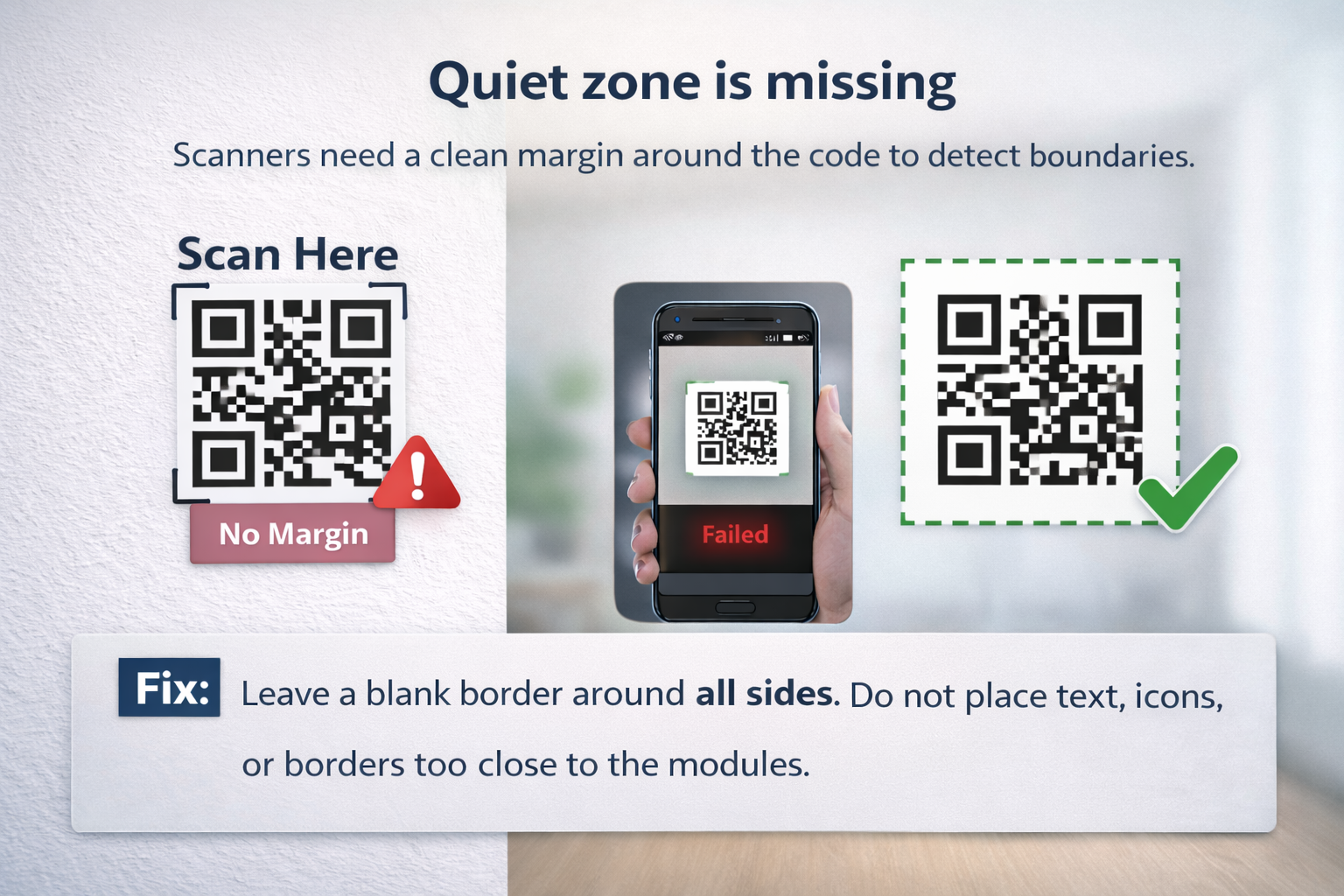 Point 4: the white space around the code is part of the design requirement.
5. Logo or styling is too aggressive
Over-customized codes can break error-correction tolerance.
Fix: Keep logo overlays moderate, avoid extreme dot distortions, and validate every style variation on multiple phones.
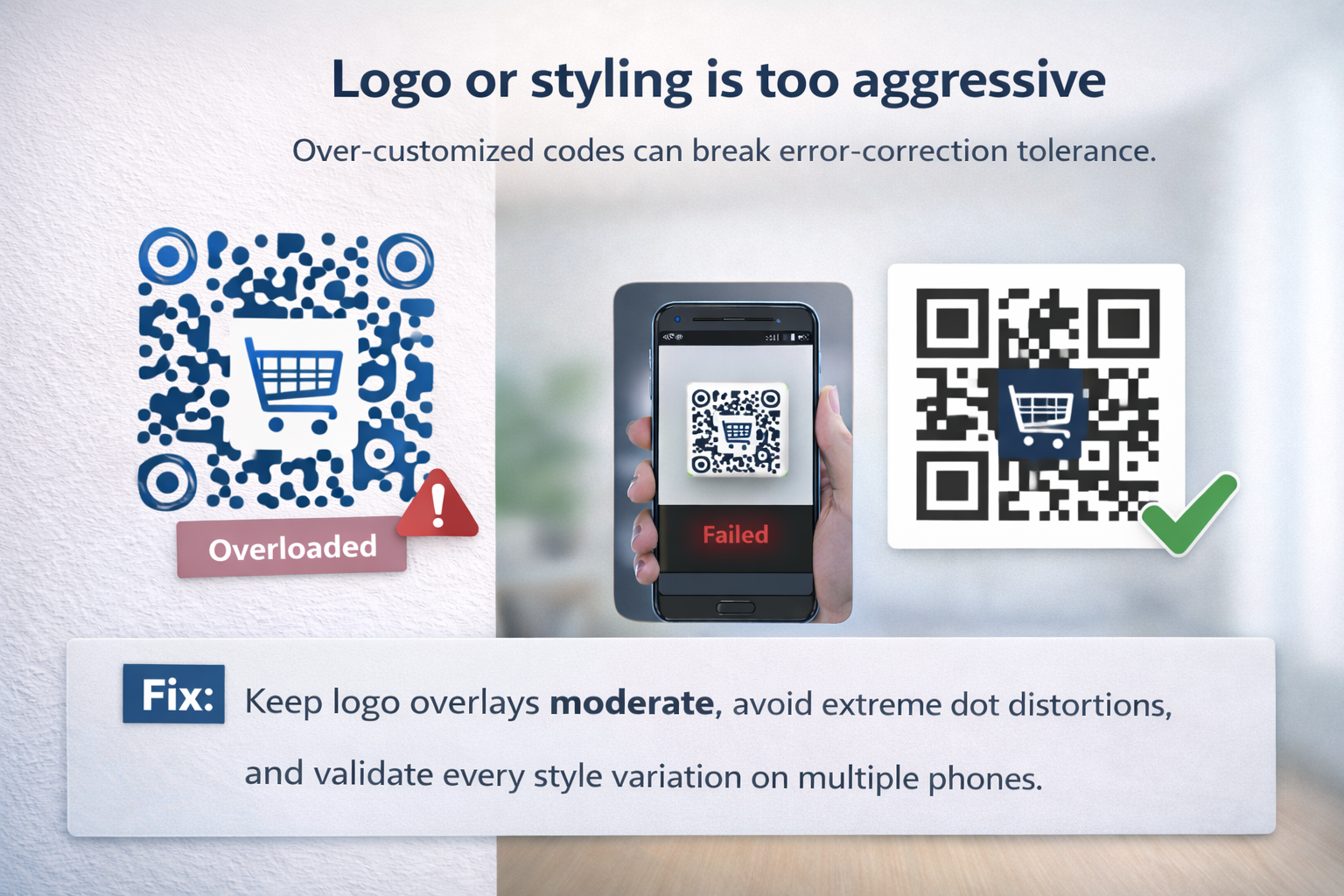 Point 5: custom branding should not overpower the code structure.
6. Placement is inconvenient
Codes behind glass glare, near floor level, or on moving surfaces are hard to scan.
Fix: Place codes at natural eye/hand height, in stable and well-lit zones, with enough room for users to stop and scan.
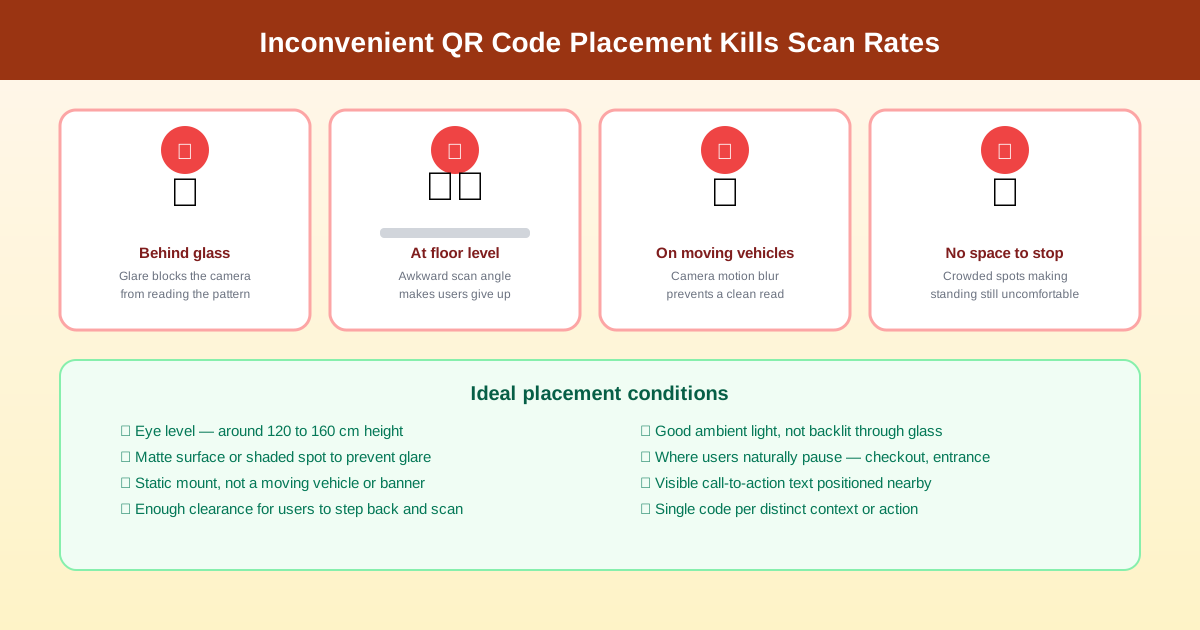 Point 6: use placement that feels natural in the user journey.
7. Destination page is slow or broken
Sometimes scans happen, but users bounce because the link fails or takes too long.
Fix: Monitor landing URL uptime, remove redirect chains, and optimize mobile loading speed.
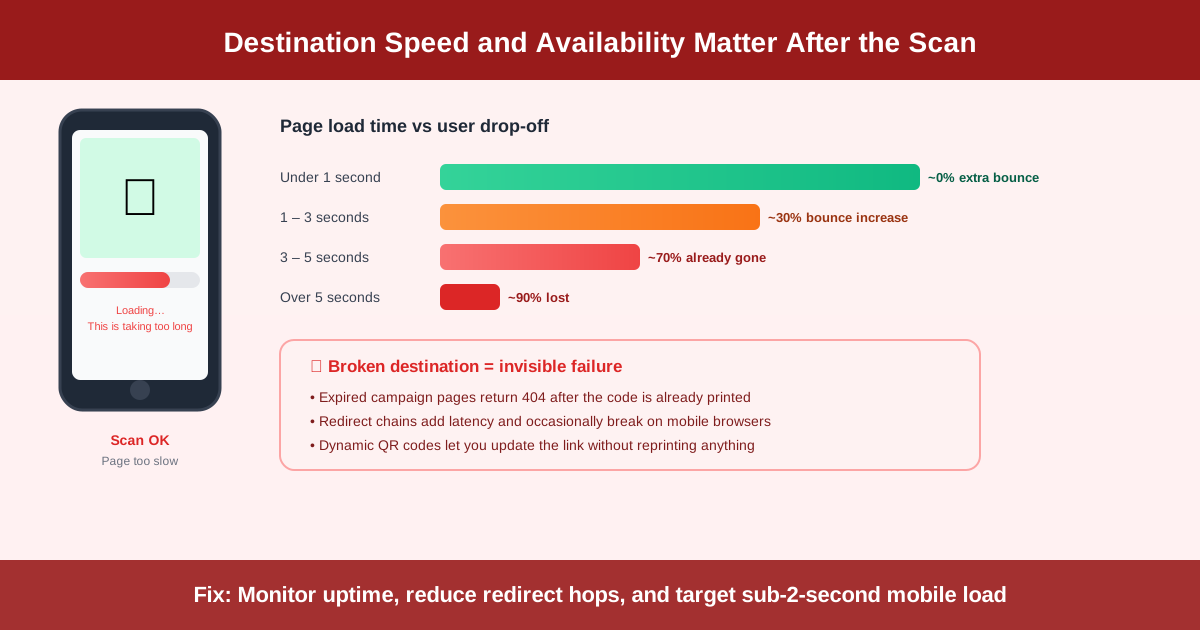 Point 7: the scan experience includes the landing page, not just the QR itself.
8. The page after scan is not mobile friendly
Most scans happen on mobile. Desktop-first pages reduce conversions.
Fix: Design the destination for small screens first: fast, short, clear, and tap-friendly.
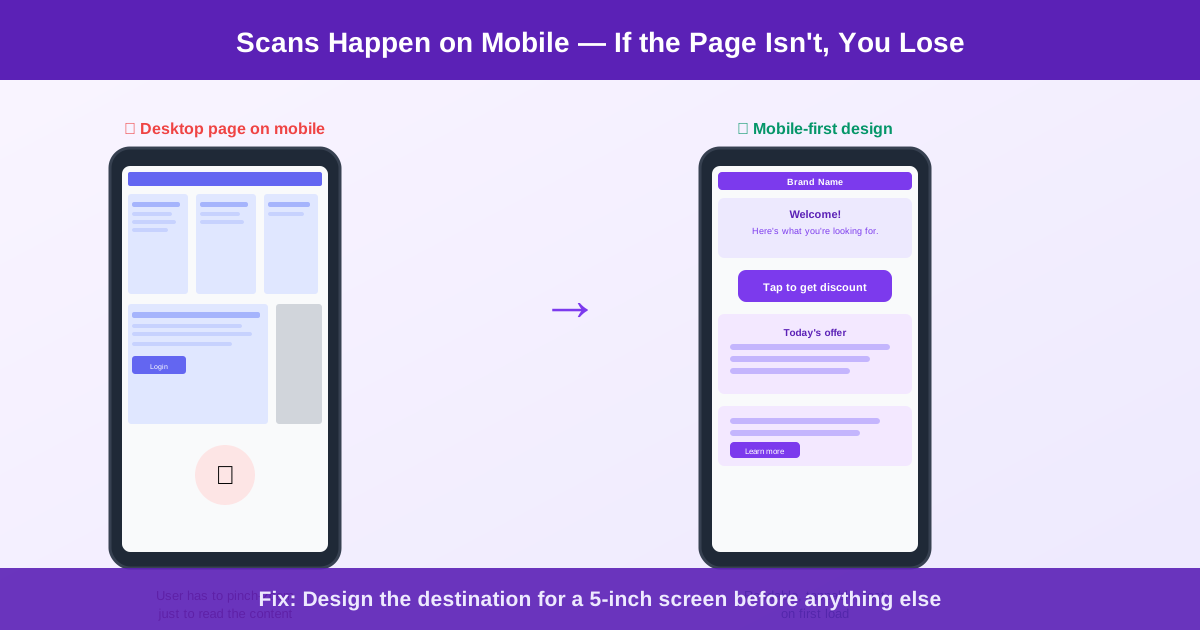 Point 8: a successful scan still fails if the mobile page is hard to use.
9. Too many competing QR codes nearby
Users can scan the wrong code, then abandon the flow.
Fix: Keep one primary QR per context, and visually separate unrelated codes.
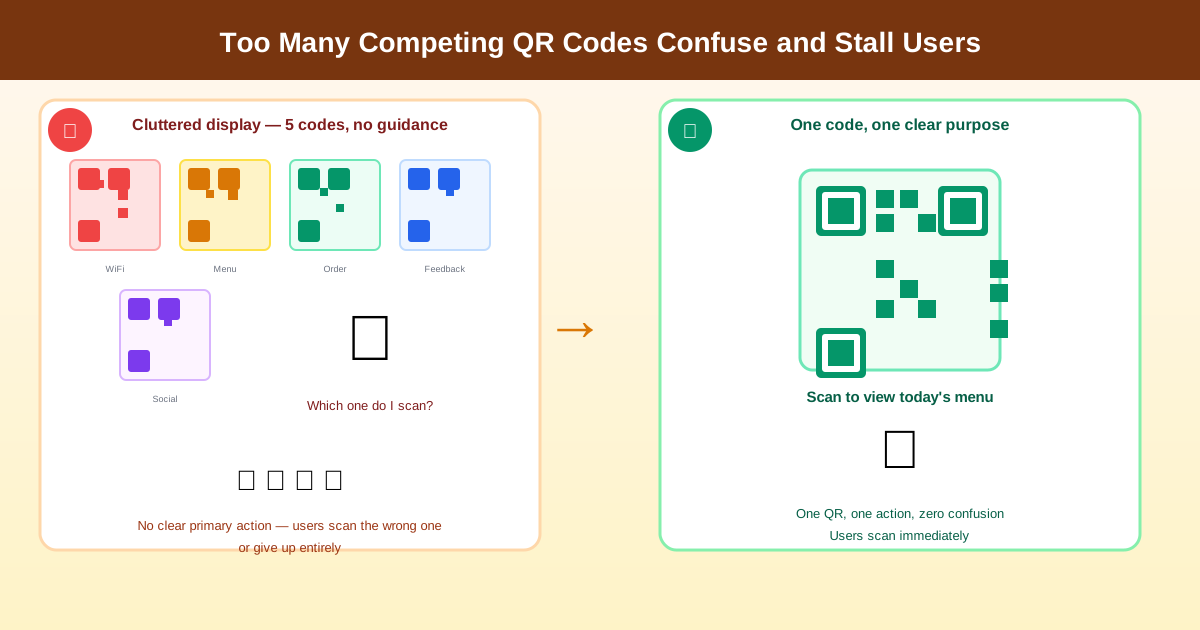 Point 9: one clear destination beats multiple competing scan targets.
10. You are not testing in real conditions
Office testing often misses field issues like glare, poor print quality, or low connectivity.
Fix: Run a field test before launch: different phone models, camera apps, distances, and lighting scenarios.
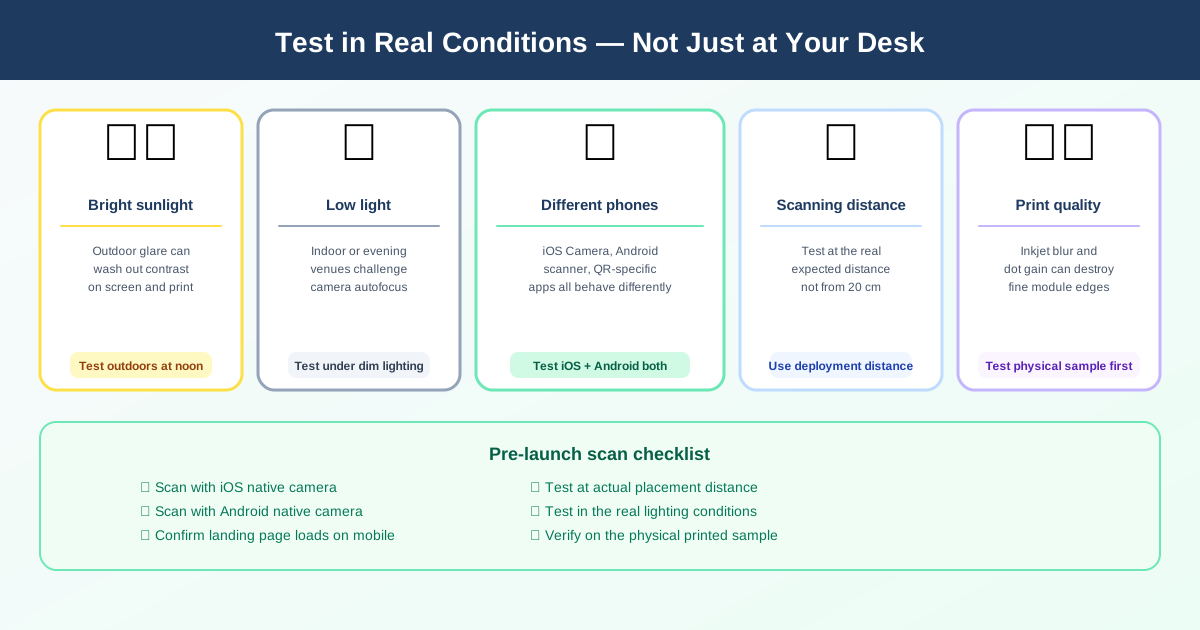 Point 10: test where the audience will actually scan, not only at your desk.
Quick pre-launch scan checklist
- Clear CTA next to the QR code
- Correct size for expected distance
- High contrast and clean quiet zone
- Mobile-optimized landing page
- Validated with real printed samples
If your campaign needs future edits, use a dynamic QR code so you can update destination links without reprinting.